A sprint retrospective is an essential meeting in Agile project management that helps teams reflect on their work, identify challenges, and find ways to improve. Held at the end of each sprint, this meeting gives the Scrum Team an opportunity to discuss what went well, what could have been better, and which changes should be introduced in the next sprint.
Unlike a Sprint Review, which focuses on the product increment and stakeholder feedback, a sprint retrospective focuses on the team’s working process. It examines collaboration, communication, tools, workflows, and team dynamics to encourage continuous improvement.
Whether your team follows a one-week or two-week sprint cycle, a well-organized retrospective can improve productivity, strengthen teamwork, and prevent recurring problems. Using a structured sprint retrospective template can also make discussions more focused and help turn ideas into practical improvements.
What Is a Sprint Retrospective?
A sprint retrospective is a recurring Scrum event held at the end of a sprint. During this meeting, the Scrum Team inspects how the previous sprint went and identifies opportunities to improve the way it works.
The discussion typically covers several areas, including:
- Processes: Whether the team’s workflow and development practices were effective.
- Communication: How well team members shared information and coordinated their work.
- Collaboration: Whether everyone received the support needed to complete their responsibilities.
- Tools: Whether the software, systems, and resources helped the team work efficiently.
- Quality: Whether development practices supported reliable and maintainable results.
The main purpose is not to assign blame or criticize individual performance. Instead, the team works together to understand its experiences and agree on meaningful changes for the next sprint.
What Is the Purpose of a Sprint Retrospective?
The primary purpose of a sprint retrospective is continuous improvement. By regularly examining its working practices, a team can recognize problems early, build on successful habits, and make better decisions over time.
Some important benefits include:
- Improve team collaboration: Open discussions help team members understand different perspectives and work together more effectively.
- Identify recurring problems: Reviewing previous experiences helps teams recognize blockers and patterns that affect productivity.
- Improve workflow efficiency: Teams can remove unnecessary steps, improve handoffs, and simplify their development processes.
- Encourage psychological safety: A respectful environment allows people to share concerns and ideas without fear of blame.
- Support continuous learning: Each sprint becomes an opportunity to learn and improve working practices.
- Create measurable improvements: Concrete action items make it easier to evaluate whether changes are effective.
A successful retrospective should produce at least one realistic improvement that the team can apply and evaluate during the next sprint.
Who Attends a Sprint Retrospective?
The entire Scrum Team participates in the sprint retrospective. This includes the following roles:
1. Scrum Master
The Scrum Master facilitates the meeting and helps create an environment where everyone can contribute. They guide the discussion, encourage participation, and help the team identify opportunities for improvement.
2. Product Owner
The Product Owner participates as a member of the Scrum Team. They can provide context about product priorities, stakeholder communication, and collaboration with Developers.
3. Developers
Developers share their experiences with the development process, technical practices, collaboration, and obstacles encountered during the sprint. Their feedback helps the team understand what is working and what needs attention.
Everyone should have an opportunity to contribute. The goal is to create a shared understanding rather than allowing one person to dominate the conversation.
How Long Does a Sprint Retrospective Take?
The Scrum Guide recommends a maximum duration of three hours for a one-month sprint. Shorter sprints generally require less time.
For example, teams working with one-week or two-week sprints may schedule a retrospective lasting approximately 45 to 90 minutes, depending on the complexity of the work and the topics that need discussion.
Here is a practical example of a 60-minute meeting agenda:
- 5 minutes: Welcome participants and explain the meeting objective.
- 10 minutes: Review the previous sprint and gather initial feedback.
- 20 minutes: Discuss successes, challenges, and improvement opportunities.
- 15 minutes: Select priorities and agree on action items.
- 10 minutes: Summarize decisions and confirm responsibilities.
This schedule is a suggested format, not a mandatory Scrum requirement. The facilitator can adjust it to suit the team’s needs.
5 Popular Sprint Retrospective Formats
Using different retrospective formats can make meetings more engaging and help teams explore problems from different perspectives. Here are five practical approaches that can be used during an Agile sprint retrospective.
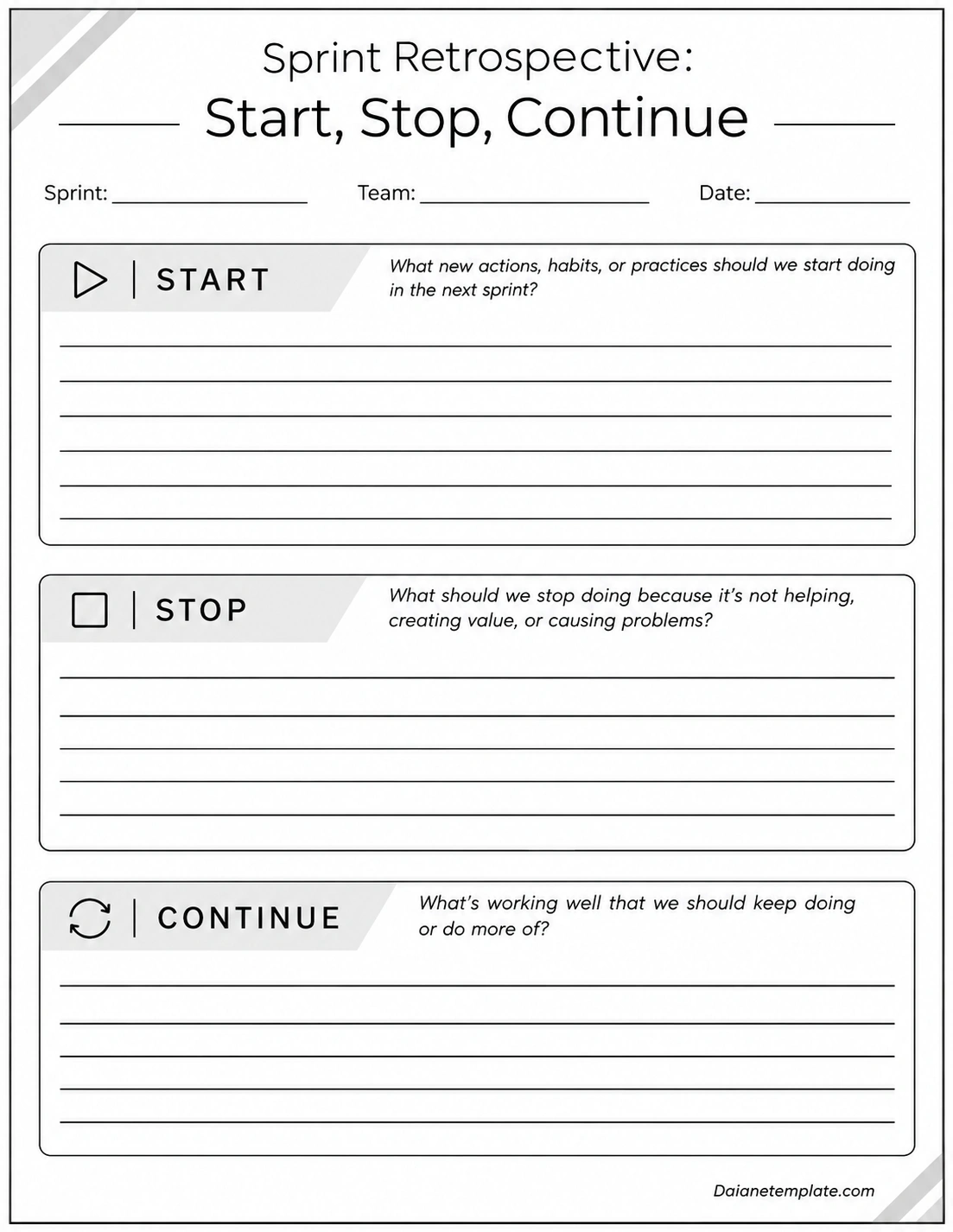
1. Start, Stop, Continue
Start, Stop, Continue is one of the simplest and most popular retrospective techniques. It organizes feedback into three categories:
- Start: What new practices should the team introduce?
- Stop: What activities or habits should the team discontinue?
- Continue: What is working well and should be maintained?
For example, a team might decide to start holding short daily status updates, stop scheduling unnecessary meetings, and continue conducting peer code reviews.
This format works particularly well for teams that want a straightforward discussion and a clear list of improvement ideas.
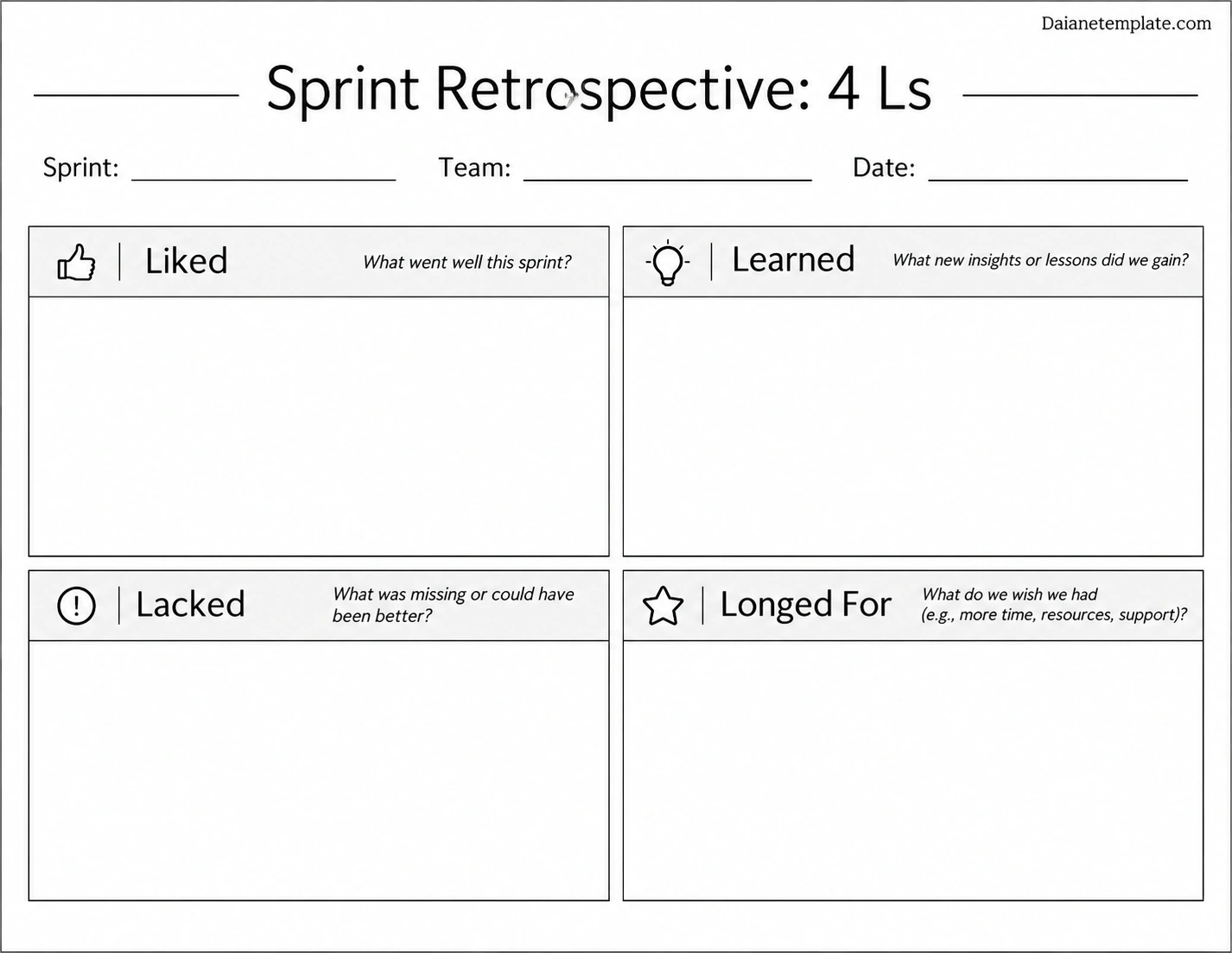
2. The 4 Ls Retrospective
The 4 Ls technique encourages team members to reflect on their experiences through four categories:
- Liked: What did the team enjoy or appreciate during the sprint?
- Learned: What new knowledge or skills did team members gain?
- Lacked: What resources, support, or information were missing?
- Longed For: What would the team have liked to have during the sprint?
For example, Developers might have liked the improved collaboration, learned a new testing technique, lacked clear requirements, and longed for more time to complete technical improvements.
This format is useful when a team wants to explore both positive experiences and areas where additional support is needed.
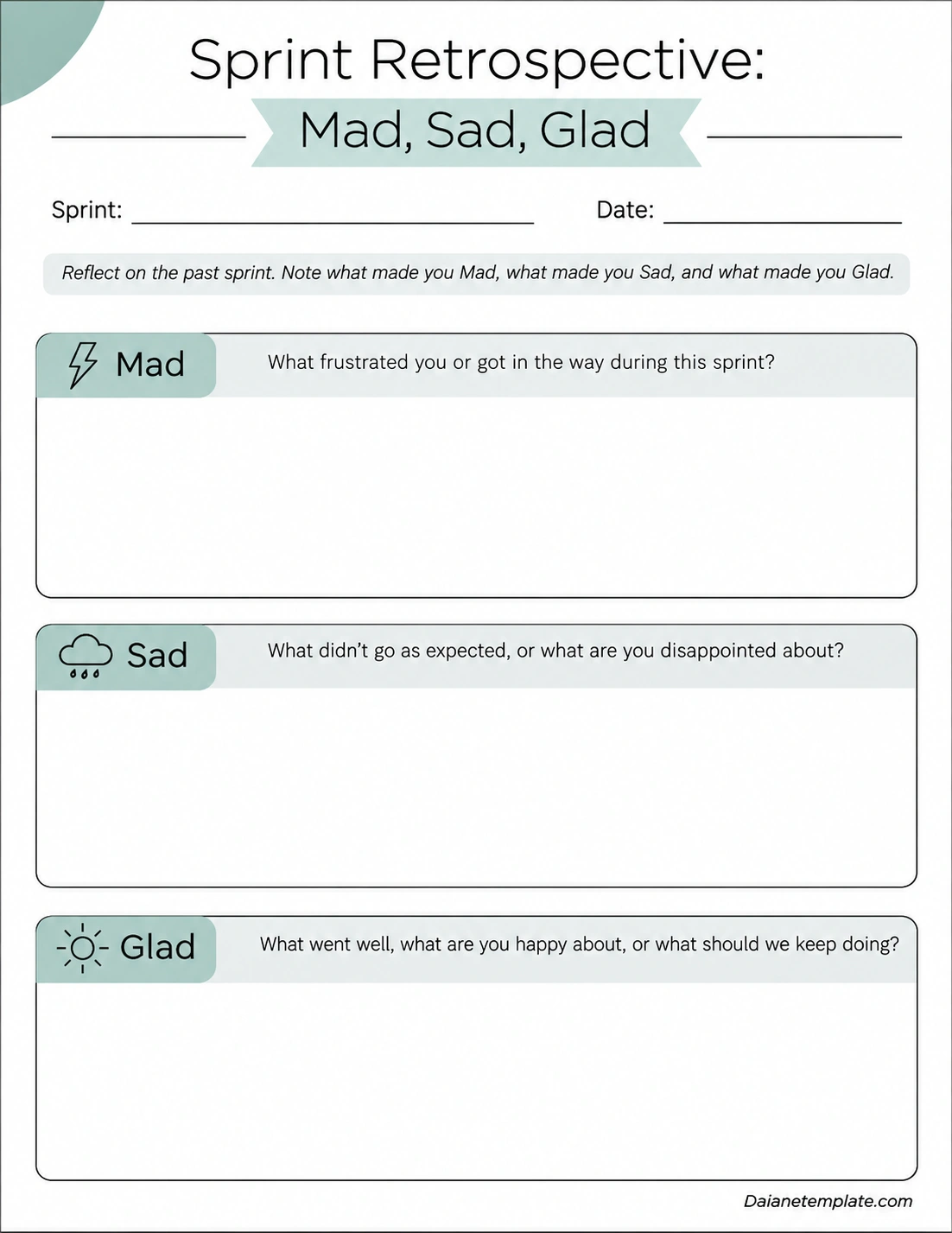
3. Mad, Sad, Glad
Mad, Sad, Glad focuses on the emotional experiences of team members during a sprint. It provides a structured way to discuss frustrations, disappointments, and positive moments.
- Mad: What frustrated you or made your work more difficult?
- Sad: What disappointed you or did not happen as expected?
- Glad: What made you happy or helped the team succeed?
For example, a Developer might feel frustrated by frequent interruptions, disappointed by delayed feedback, and happy with the team’s successful collaboration on a difficult feature.
This format can help teams uncover issues that may not appear in project reports or performance metrics. The facilitator should encourage respectful discussion and avoid turning personal feelings into individual blame.
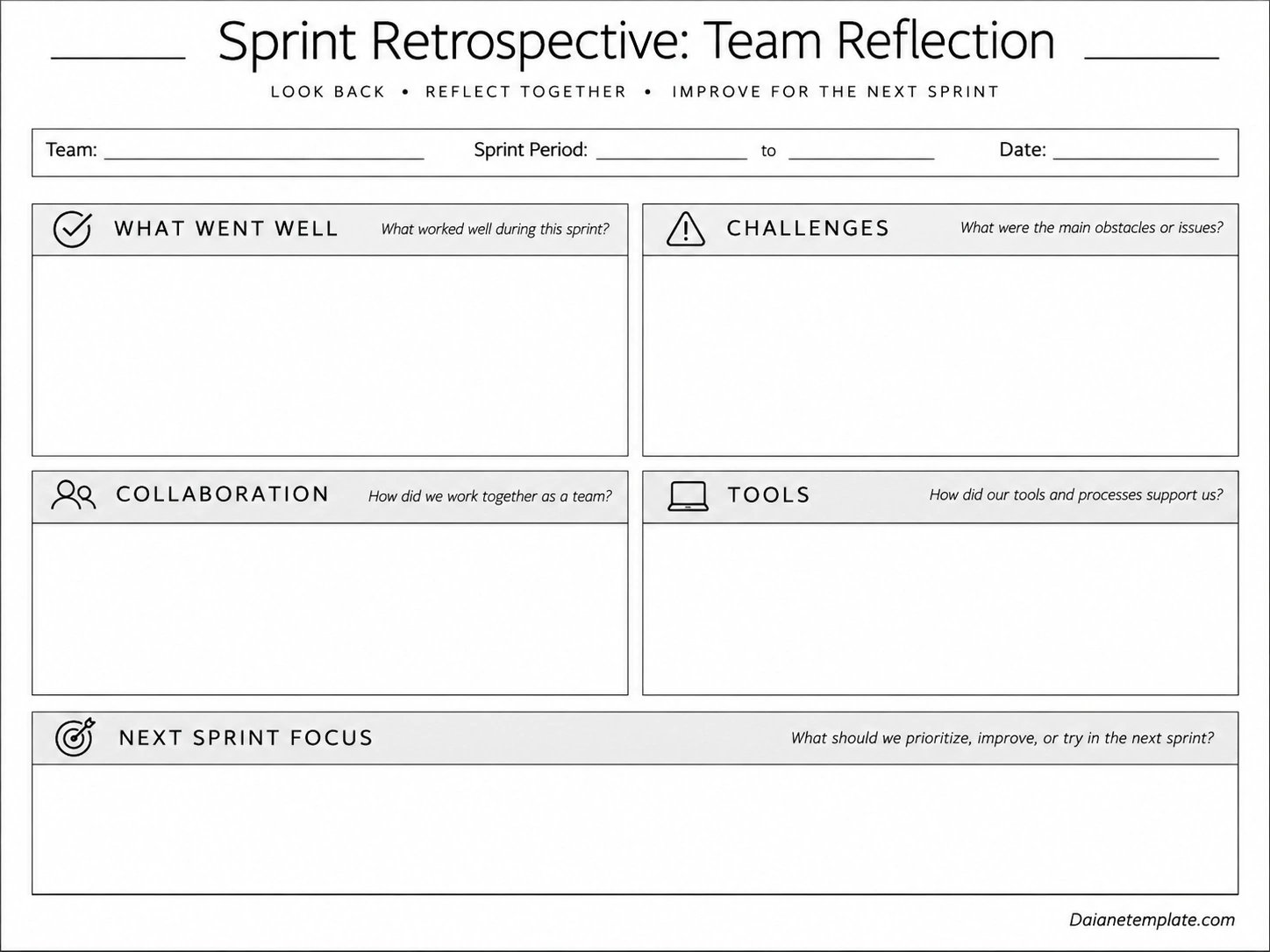
4. Team Reflection
A team reflection format uses broader discussion areas to evaluate different parts of the sprint. Rather than following a fixed three- or four-category method, the team can examine specific aspects of its working environment.
Useful discussion categories include:
- What Went Well: Successful practices and achievements worth repeating.
- Challenges: Obstacles, delays, and recurring difficulties.
- Collaboration: How effectively team members supported one another.
- Tools: Whether existing tools and processes supported the work.
- Next Sprint Focus: Which areas deserve attention in the upcoming sprint.
This approach is especially useful for teams that want a broader overview of their sprint experience before choosing specific improvement priorities.
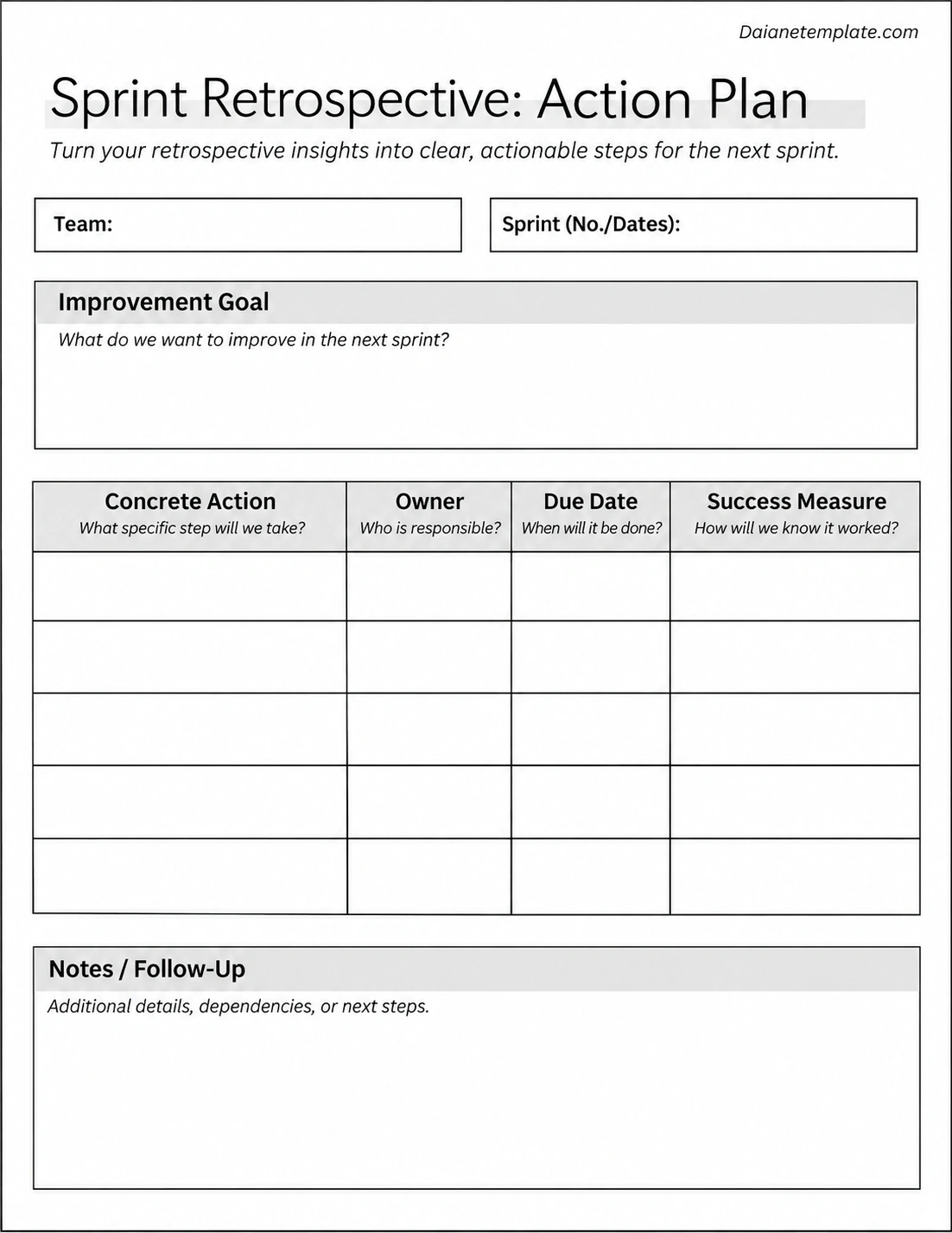
5. Action Plan Retrospective
An action plan retrospective focuses on converting discussion results into specific improvements. Instead of ending with a long list of observations, the team selects practical actions and assigns responsibility.
A useful action plan should include:
- Improvement Goal: What does the team want to improve?
- Concrete Action: What specific step will be taken?
- Owner: Who will coordinate or complete the action?
- Due Date: When should the action be completed?
- Success Measure: How will the team evaluate the result?
For example, instead of agreeing to communicate better, the team might commit to posting a five-minute asynchronous status update every morning.
How to Run an Effective Sprint Retrospective
A productive retrospective requires more than asking team members what went wrong. The facilitator should guide the conversation from reflection to meaningful decisions.
Step 1: Prepare the Meeting
Choose a suitable time, prepare a meeting agenda, and select a retrospective format. Gather relevant sprint information, such as completed work, blockers, and feedback from team members.
Step 2: Create a Safe Environment
Encourage honest feedback and establish a respectful atmosphere. Team members should feel comfortable sharing their experiences without worrying about personal criticism or punishment.
Step 3: Gather Feedback
Use questions, worksheets, or digital collaboration boards to collect individual observations. Allow everyone time to contribute before starting the main discussion.
Step 4: Identify Important Patterns
Group similar comments and look for recurring issues. Discuss the causes behind problems instead of focusing only on their visible symptoms.
Step 5: Prioritize Improvement Opportunities
The team should select a manageable number of improvements based on their potential impact and feasibility. Trying to solve every problem at once can make follow-through difficult.
Step 6: Create Concrete Action Items
Agree on specific actions, assign owners where appropriate, and determine how progress will be evaluated. Each action should be realistic and understandable to everyone involved.
Step 7: Review Progress in the Next Sprint
At the following retrospective, check whether previous improvements were implemented and whether they produced the expected results. This creates a continuous improvement cycle.
Tips for Making Sprint Retrospectives More Effective
Even well-planned retrospective meetings can become repetitive if the team does not approach them thoughtfully. The following practices can help maintain engagement and improve results.
- Rotate retrospective formats: Try different activities to encourage fresh perspectives and prevent discussions from becoming predictable.
- Focus on actionable feedback: Encourage examples and specific observations instead of vague statements.
- Give everyone a voice: Use silent brainstorming or individual writing before group discussion to include quieter participants.
- Avoid personal blame: Focus on processes, circumstances, and opportunities for improvement.
- Keep the discussion focused: Address the most important topics within the available meeting time.
- Follow up on previous actions: Review progress rather than repeatedly discussing the same unresolved problems.
- Make improvements measurable: Define what success looks like so the team can evaluate changes objectively.
Sprint Retrospective vs. Sprint Review
Although both events take place near the end of a sprint, a sprint retrospective and a Sprint Review have different purposes.
- Sprint Retrospective: Examines how the Scrum Team worked together and identifies ways to improve its effectiveness and quality.
- Sprint Review: Inspects the outcome of the sprint, discusses progress toward the Product Goal, and considers future adaptations with stakeholders.
In simple terms, the Sprint Review focuses on the product and what was accomplished, while the retrospective focuses on the team’s process and how it can work better.
Frequently Asked Questions About Sprint Retrospectives
1. What is the main goal of a sprint retrospective?
The main goal is to inspect how the previous sprint went and identify improvements that can make the Scrum Team more effective. It focuses on processes, collaboration, communication, tools, and quality.
2. When should a sprint retrospective be held?
A sprint retrospective takes place after the Sprint Review and before the next sprint begins. It is the final event of the sprint in the Scrum framework.
3. Who should attend a sprint retrospective?
The entire Scrum Team should attend, including the Scrum Master, Product Owner, and Developers. Everyone contributes to evaluating the team’s working practices and identifying improvements.
4. How long should a sprint retrospective last?
The Scrum Guide sets a maximum of three hours for a one-month sprint. Shorter sprints generally have shorter retrospectives. A one- or two-week sprint might use a meeting lasting approximately 45 to 90 minutes.
5. What are the most popular sprint retrospective formats?
Popular formats include Start, Stop, Continue; 4 Ls; Mad, Sad, Glad; team reflection; and action planning. Each format provides a different way to collect feedback and identify improvement opportunities.
6. What should be included in a sprint retrospective template?
A useful template can include sprint details, reflection questions, discussion categories, space for team feedback, improvement priorities, and action items. An action plan may also include owners, deadlines, and success measures.
7. Can a sprint retrospective be conducted online?
Yes. Distributed teams can conduct retrospectives using video meetings, shared documents, digital whiteboards, or online collaboration tools. The important thing is to give every participant an opportunity to contribute.
8. What is the difference between a sprint retrospective and a post-mortem?
A sprint retrospective is a recurring Scrum event focused on improving the team’s working practices after each sprint. A post-mortem typically examines a significant project, incident, or release after it has occurred, often to understand what happened and prevent similar problems.
9. Should a sprint retrospective always produce action items?
The Scrum Guide expects the Scrum Team to identify useful improvements during the retrospective. These improvements should be addressed as soon as possible, and the most impactful changes may even be added to the next Sprint Backlog.
Conclusion
A sprint retrospective is an important part of Agile development because it gives teams a regular opportunity to reflect, learn, and improve. By examining communication, collaboration, workflows, and challenges, the Scrum Team can identify practical ways to become more effective.
Choosing the right retrospective format can make these discussions easier and more engaging. Whether you use Start, Stop, Continue, the 4 Ls, Mad, Sad, Glad, or a structured action plan, the most important thing is to turn useful feedback into meaningful improvements.
With consistent reflection and follow-through, every sprint can become an opportunity to build better working practices, strengthen teamwork, and deliver higher-quality results.
Download: Sprint Retrospective Template Word
