When it comes to business documents, the executive summary holds a crucial role. It is often the first section that decision-makers read, providing a snapshot of the entire document. But what exactly is an executive summary?
What is an Executive Summary?
An executive summary is a concise overview of a longer document, typically found at the beginning. Its purpose is to summarize the key points, goals, and recommendations of the document to provide readers with a quick understanding of the content. Think of it as a trailer for a movie, giving viewers a taste of what’s to come without revealing all the details.
Executive summaries are commonly used in business proposals, reports, business plans, and research papers. They are designed to help busy executives make informed decisions quickly by highlighting the most important information.
Why Write an Executive Summary?
There are several reasons why writing an executive summary is important:
- Time-saving: Busy executives don’t always have the time to read through lengthy documents. An executive summary allows them to quickly grasp the main points.
- Clarity: By summarizing complex information into a few paragraphs, the executive summary ensures that the key messages are clear and understandable.
- Decision-making: Executives can use the summary to make informed decisions without having to delve into the details of the entire document.
- Persuasion: A well-crafted executive summary can persuade readers to take further action, such as approving a project or investing in a proposal.
What to Include in an Executive Summary?
When writing an executive summary, it’s important to include the following elements:
- Background: Provide a brief overview of the document’s purpose and context.
- Key Findings: Summarize the main findings or outcomes of the document.
- Recommendations: Clearly state any recommendations or actions that need to be taken based on the findings.
- Conclusion: Wrap up the summary with a concise conclusion that reinforces the key points.
Examples
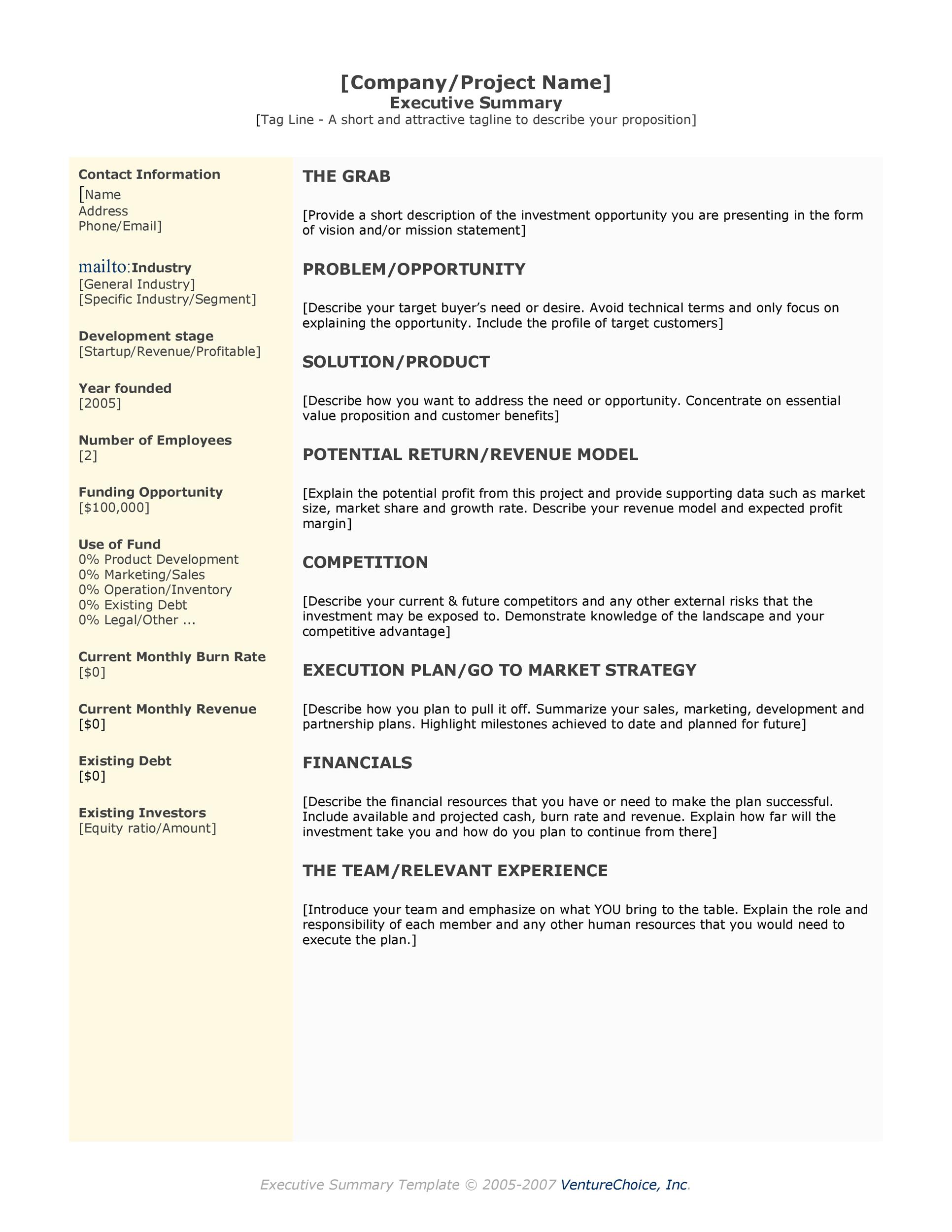
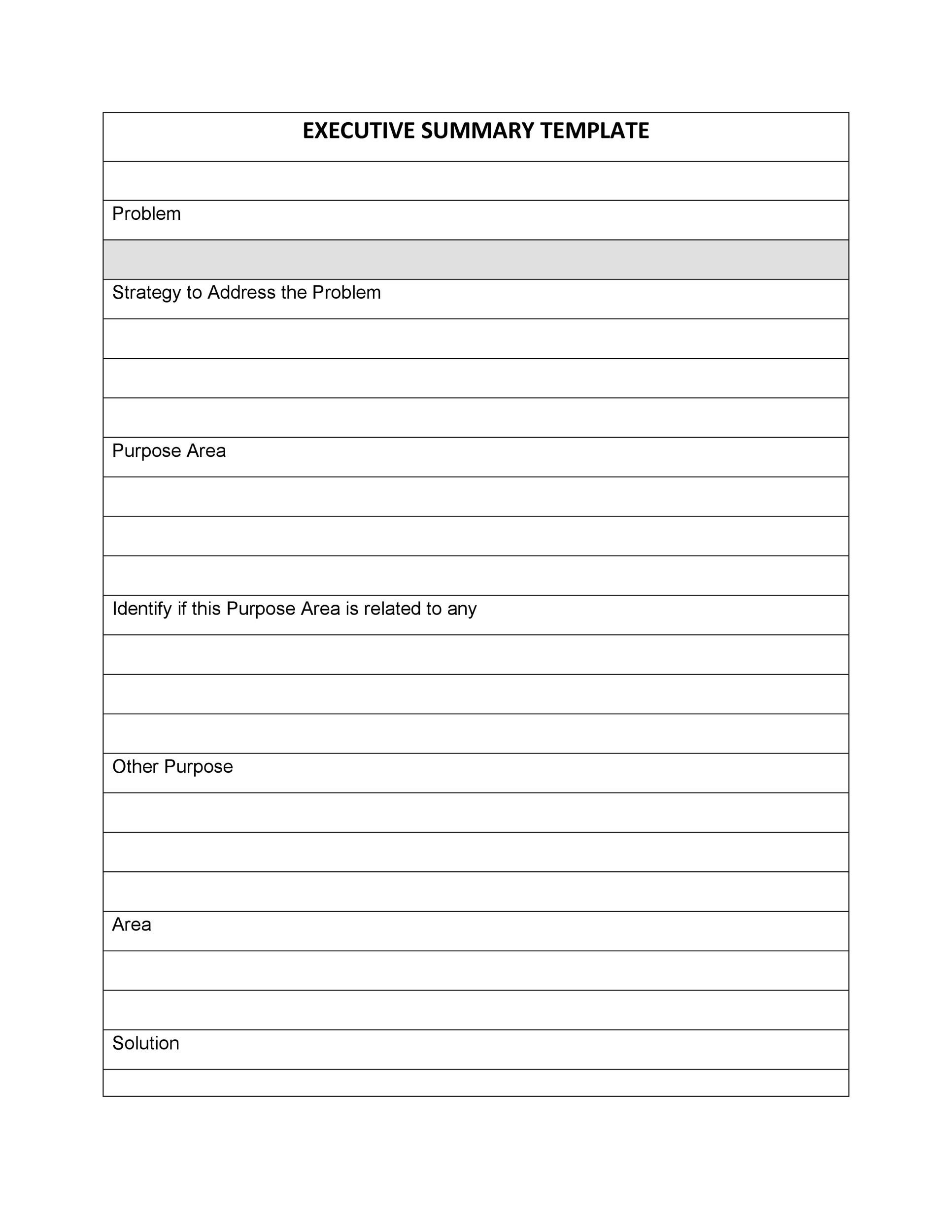
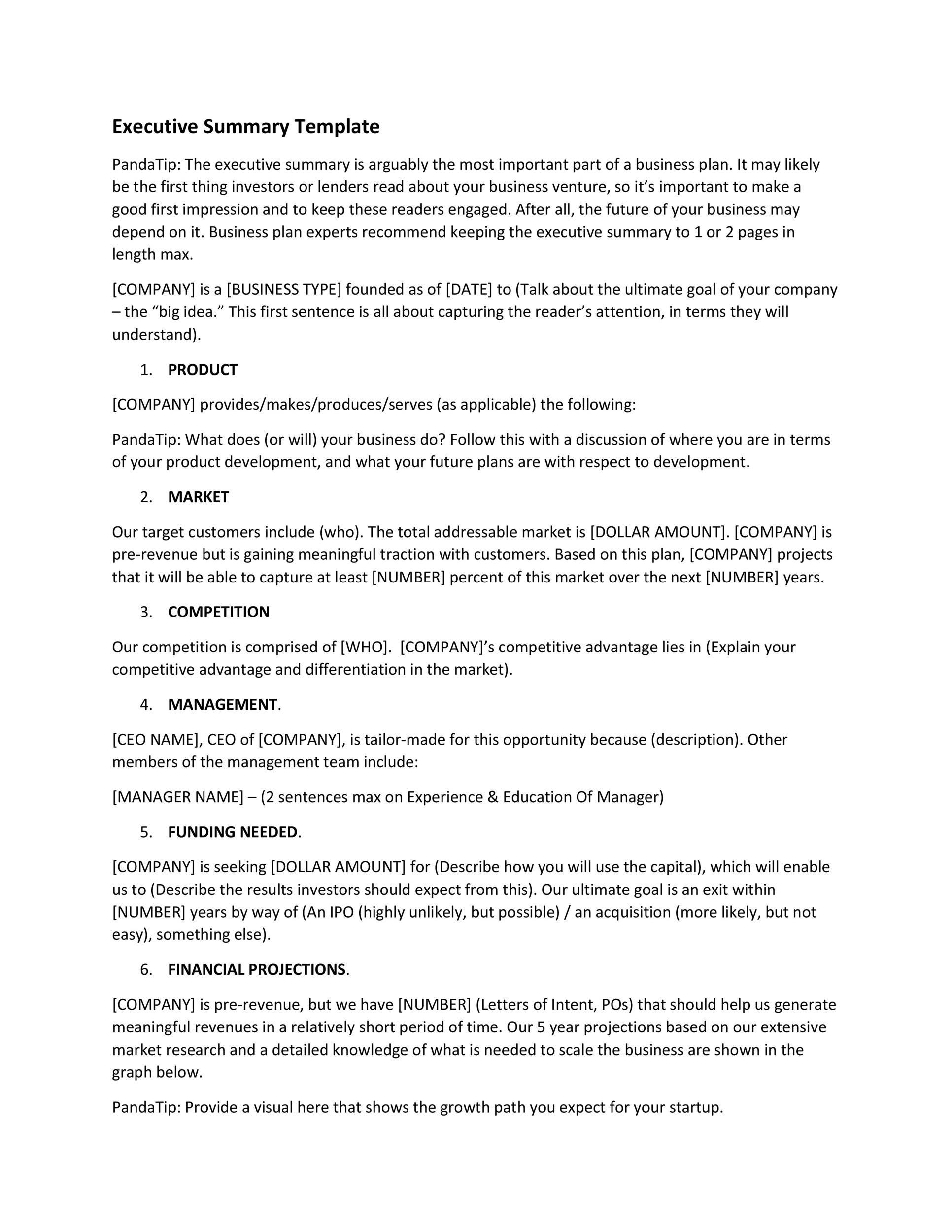
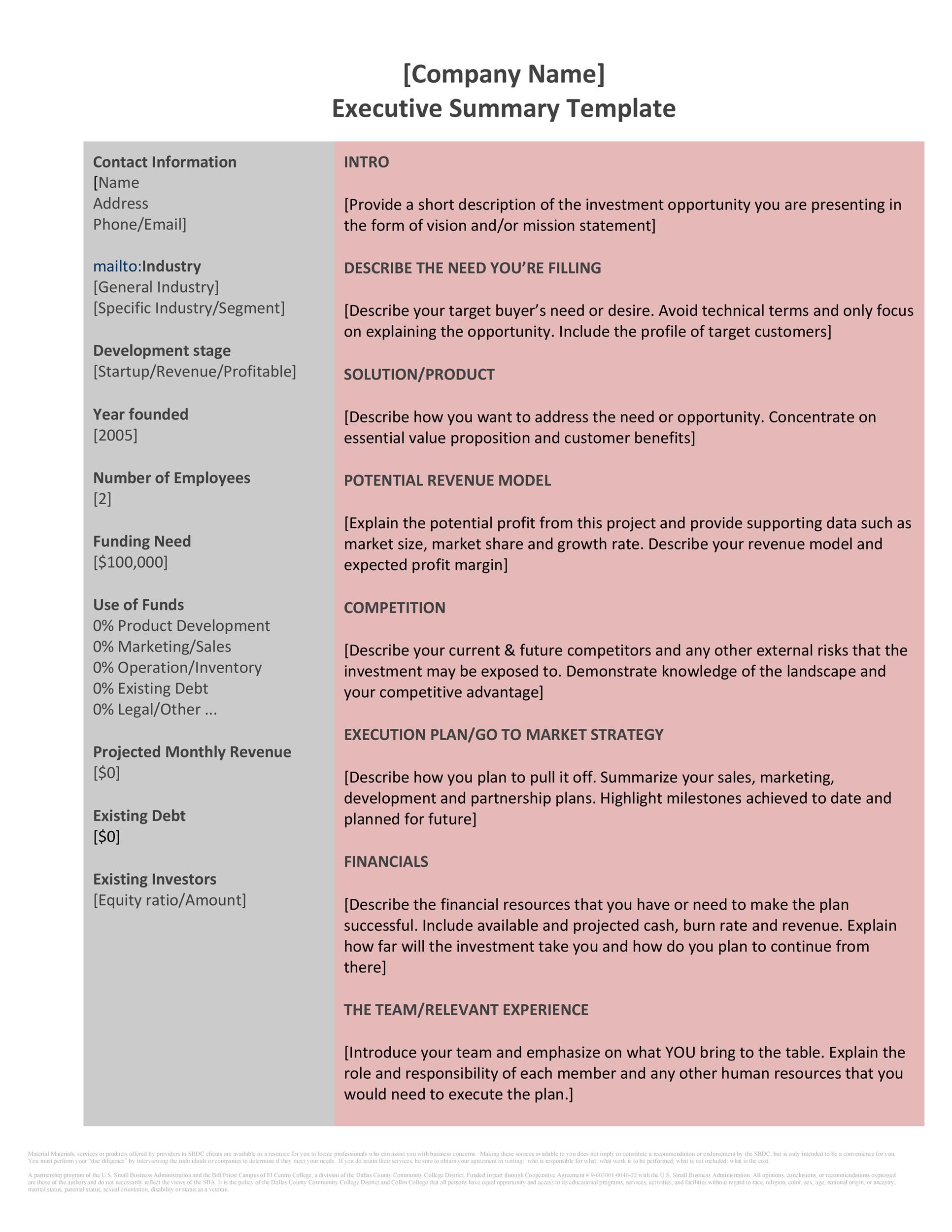
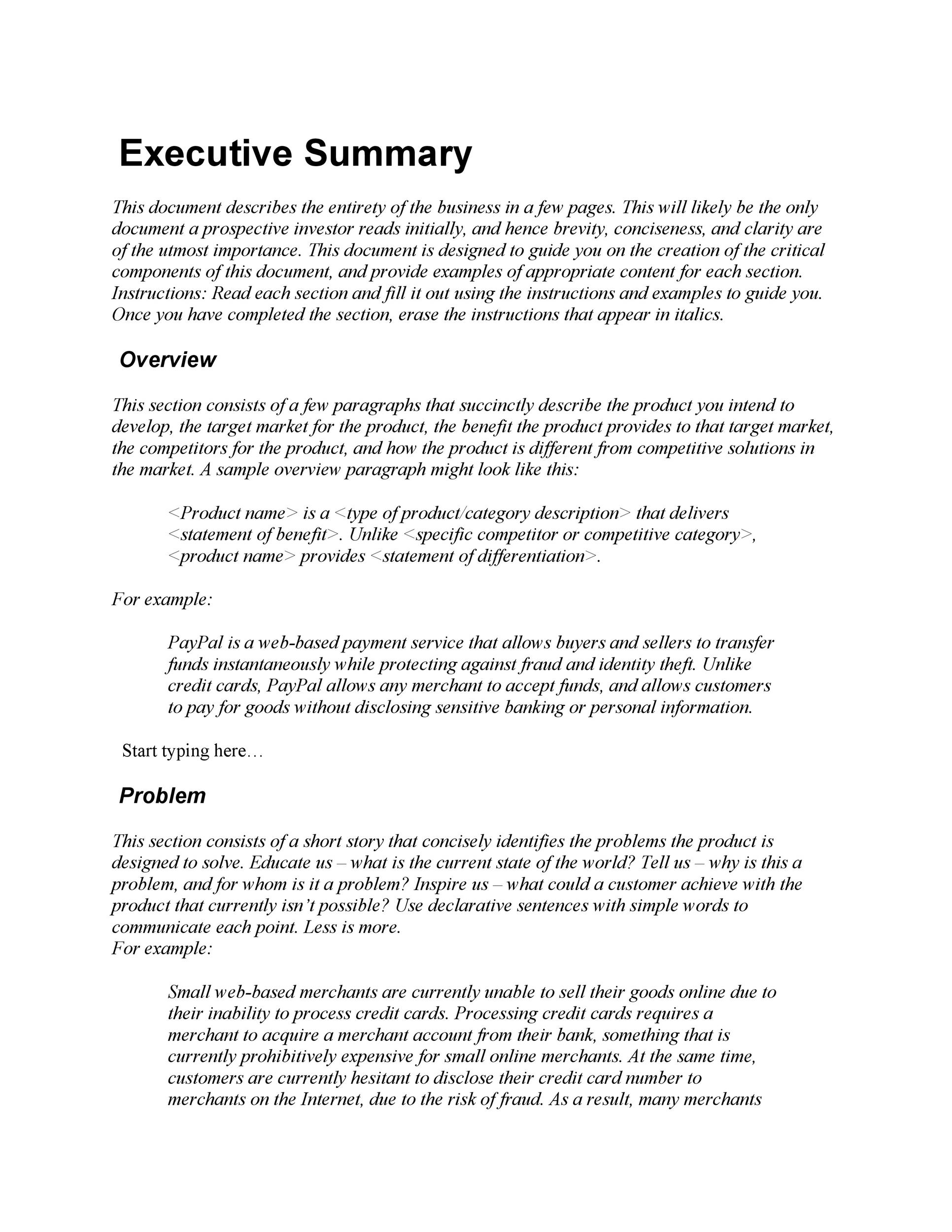
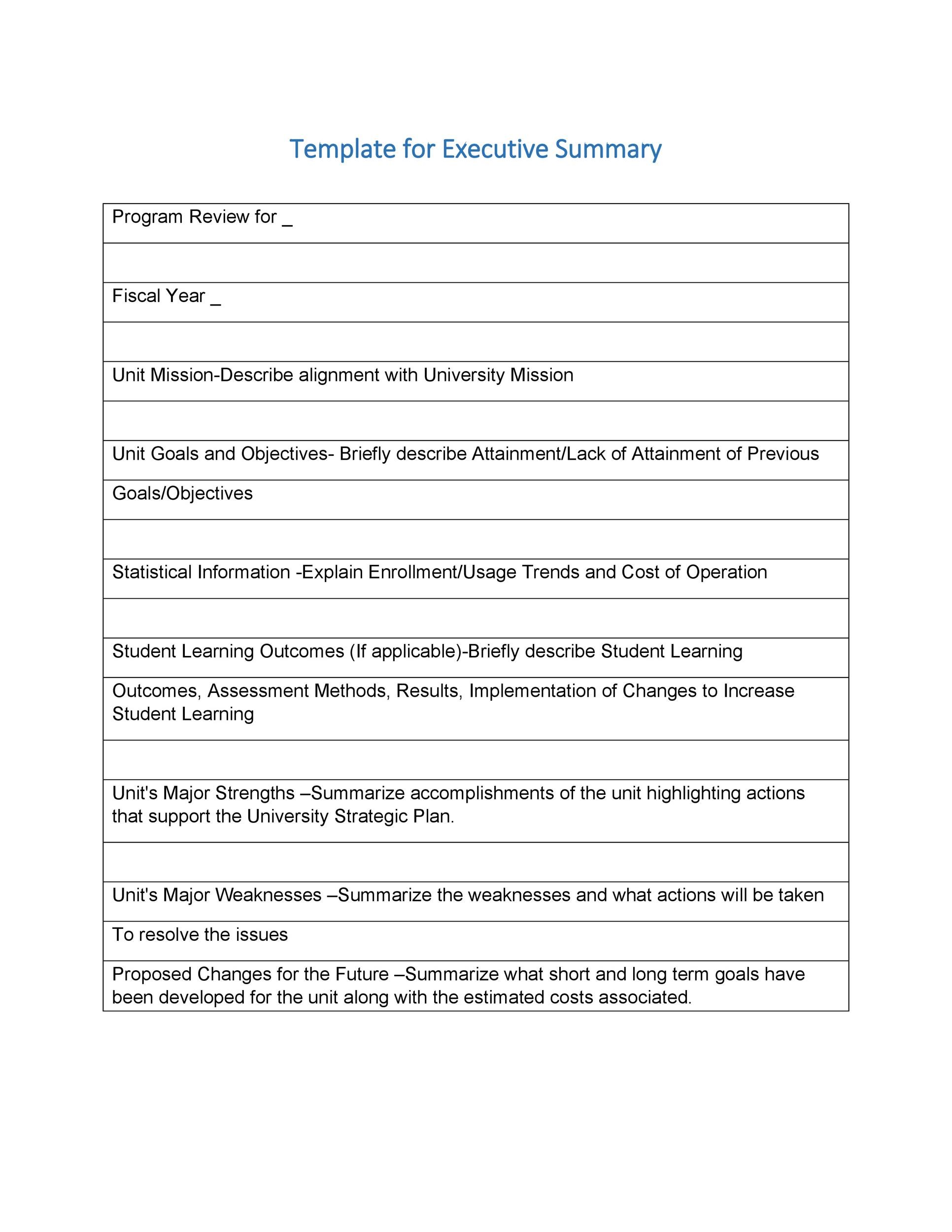
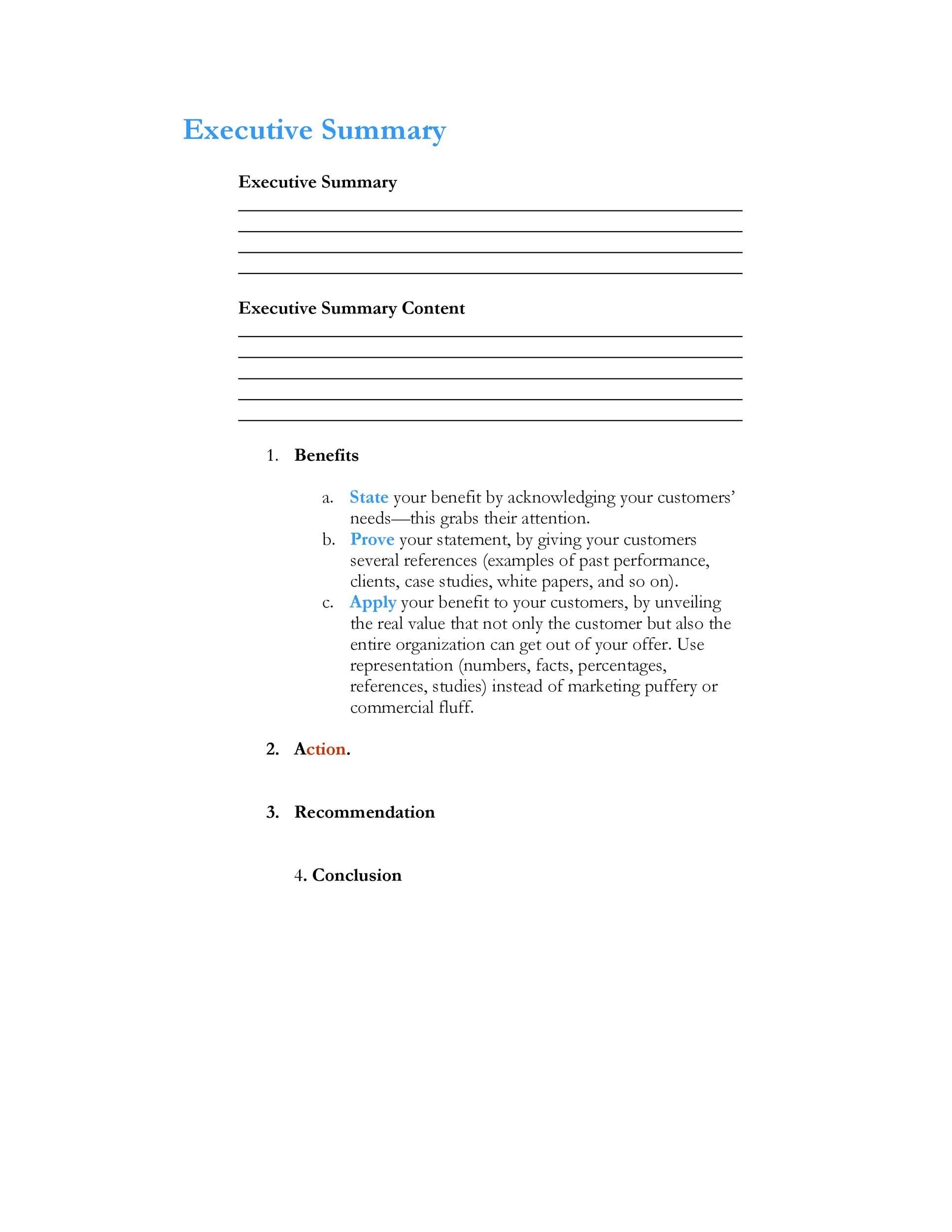
How to Write an Executive Summary
Follow these steps to write an effective executive summary:
1. Understand Your Audience
Before you start writing, consider who will be reading the executive summary. Tailor your language and tone to suit their preferences and level of expertise.
2. Read the Entire Document
To create a comprehensive summary, make sure you have a thorough understanding of the entire document before condensing it into a few paragraphs.
3. Identify Key Points
Highlight the most important information, including key findings, recommendations, and conclusions. Focus on what is essential for the reader to know.
4. Keep it Concise
Aim to keep the executive summary clear and concise, avoiding unnecessary details or jargon. Stick to the main points to maintain the reader’s interest.
5. Use Clear Language
Make sure your language is straightforward and easy to understand. Avoid technical terms or complex sentences that may confuse the reader.
6. Highlight Benefits
Emphasize the benefits or advantages of the document’s content to capture the reader’s attention and persuade them to take action.
7. Edit and Revise
After writing the summary, review it carefully for grammar, spelling, and clarity. Make any necessary revisions to ensure it is polished and professional.
8. Seek Feedback
Ask for feedback from colleagues or peers to get different perspectives on your executive summary. Incorporate any suggestions for improvement.
9. Tailor to the Document
Ensure that the executive summary aligns with the overall tone and style of the document. It should serve as a cohesive introduction to the main content.
10. Proofread Carefully
Before finalizing the executive summary, proofread it carefully to catch any errors or inconsistencies. A polished summary reflects positively on the document as a whole.
Tips for Writing an Effective Executive Summary
Here are some additional tips to enhance your executive summary writing:
- Focus on the Reader: Keep the reader’s needs and interests in mind when crafting the summary.
- Emphasize Key Points: Highlight the most critical information to grab the reader’s attention.
- Avoid Repetition: Summarize information without repeating details from the main document.
- Use Bulleted Lists: Organize key points using bullet points for easy readability.
- Maintain Consistency: Ensure that the tone and style of the summary match the document it represents.
- Keep it Brief: Aim for a summary that is no longer than one page for optimal impact.
- Include Contact Information: Provide contact details for further inquiries or follow-up actions.
- Review Regularly: Update the executive summary periodically to reflect any changes or new developments in the document.
- Seek Feedback: Ask for feedback from colleagues or mentors to improve the clarity and effectiveness of your summary.
By following these guidelines and tips, you can create an executive summary that effectively communicates the key points of your document and engages readers from the start.
Executive Summary Template – Download
